ChatGPT Images 2.5 API Guide: Flare vs Sunburst, Pricing & Code
Understand ChatGPT Images 2.5 and its two API models: GPT-Image-2.5 Flare for fast everyday generation and Sunburst for precision editing. Compare pricing, model IDs, features, and working API examples.
Verification: Model IDs, pricing, availability, features, and code patterns were checked against the OpenAI sources listed below. Get Model Key has not independently run Flare or Sunburst through the API, so output quality and latency claims are attributed to OpenAI and should be verified in your own project.
ChatGPT Images access and API usage are separate. API image generation is billed through your OpenAI Platform project.
What OpenAI released with Images 2.5
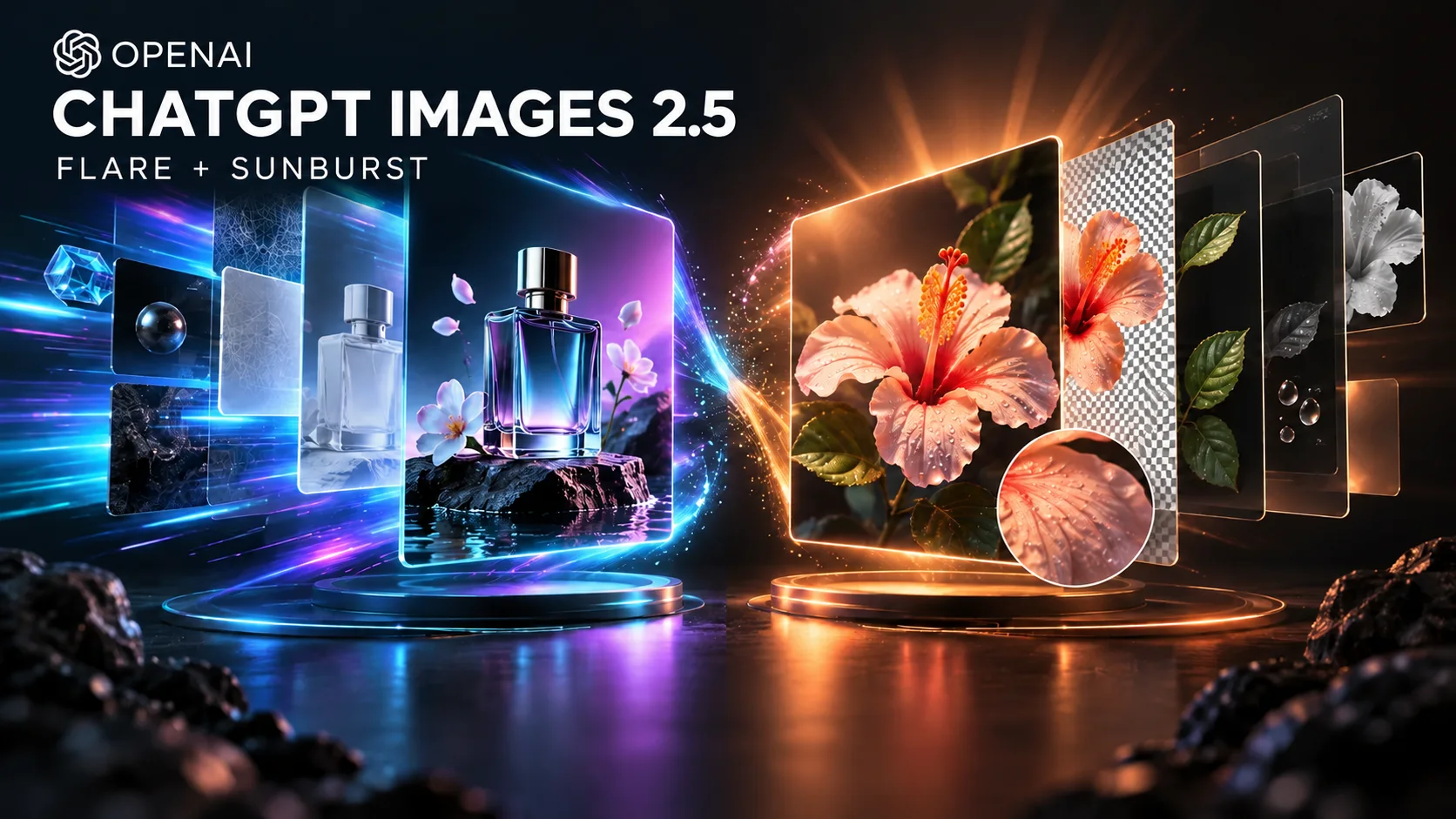
OpenAI announced ChatGPT Images 2.5 on September 8, 2026. The product update brings sharper details, more natural lighting and textures, more reliable targeted edits, and better consistency across multiple editing turns. OpenAI says generation latency is reduced by up to 50% compared with Images 2.0.
The naming matters: ChatGPT Images 2.5 is the experience inside ChatGPT, while developers choose between two API model IDs—gpt-image-2.5-flare and gpt-image-2.5-sunburst. There is no single documented gpt-image-2.5 model ID in the launch materials.
- Product name: ChatGPT Images 2.5
- Fast API model: gpt-image-2.5-flare
- Precision API model: gpt-image-2.5-sunburst
- Release date: September 8, 2026
GPT-Image-2.5 Flare vs Sunburst
Flare is the default choice for most applications. OpenAI positions it as the fastest high-quality model for everyday generation, creator tools, social content, product experiences, visual search, rapid prototyping, and high-volume workloads.
Sunburst is the premium choice when editing precision matters more than turnaround time. It is designed for production campaign assets, polished product imagery, and workflows where requested changes must preserve the rest of the composition.
| Model | Priority | Best for | Snapshot |
|---|---|---|---|
| gpt-image-2.5-flare | Speed + quality | Everyday and high-volume generation | gpt-image-2.5-flare-2026-09-08 |
| gpt-image-2.5-sunburst | Editing precision | Premium creative and product editing | gpt-image-2.5-sunburst-2026-09-08 |
GPT-Image-2.5 API pricing
Both official model pages list the same token rates: $5.00 per million text-input tokens, $1.25 cached text input, $8.00 image input, $2.00 cached image input, and $30.00 image output. Text output is not billed because these models output images.
Token rates are not a fixed price per picture. Final cost depends on the request, source images, dimensions, quality, and output token usage. OpenAI also notes that the GPT-Image-2 calculator does not estimate GPT-Image-2.5 token consumption, so measure real requests in your usage dashboard before forecasting production spend.
| Token type | Price per 1M tokens |
|---|---|
| Text input | $5.00 |
| Cached text input | $1.25 |
| Image input | $8.00 |
| Cached image input | $2.00 |
| Image output | $30.00 |
Generate your first image with Flare
Create an OpenAI API key, keep it in the OPENAI_API_KEY environment variable, and start with Flare. The model supports low, medium, high, xhigh, max, and auto quality settings. Use auto while evaluating unless your workflow has a clear latency or fidelity target.
The example writes the returned base64 image to a local PNG file. Keep API calls on your server; exposing the key in frontend JavaScript lets anyone spend against your account.
from openai import OpenAI
import base64

client = OpenAI()
result = client.images.generate(
    model="gpt-image-2.5-flare",
    prompt="A clean editorial product photo of a translucent blue desk lamp",
    size="1536x1024",
    quality="auto",
)

image_bytes = base64.b64decode(result.data[0].b64_json)
with open("flare-output.png", "wb") as image_file:
    image_file.write(image_bytes)
Python image-generation example using the Flare model ID.
Use Sunburst for precision editing
Sunburst accepts text and image input and is designed to preserve subjects, composition, and visual identity across targeted edits. State both the requested change and the invariants that must remain untouched. A vague prompt such as 'make it better' gives the model no reliable edit boundary.
For repeatable production output, pin the dated snapshot and keep your prompt, source asset, quality, and output settings in an evaluation fixture. Compare both visual quality and the number of manual corrections required.
from openai import OpenAI
import base64

client = OpenAI()
with open("product.png", "rb") as source_image:
    result = client.images.edit(
        model="gpt-image-2.5-sunburst-2026-09-08",
        image=source_image,
        prompt=(
            "Replace only the background with a warm studio gradient. "
            "Keep the product, label, proportions, camera angle, and shadows unchanged."
        ),
        quality="high",
    )

with open("sunburst-edit.png", "wb") as output_file:
    output_file.write(base64.b64decode(result.data[0].b64_json))
Precision-edit example using the dated Sunburst snapshot.
What is new inside ChatGPT Images 2.5?
Images 2.5 is rolling out across ChatGPT, ChatGPT Work, and Codex on desktop, mobile, and web. Inside ChatGPT, Sketch lets you draw a visual reference, templates provide starting formats such as flyers and product photos, comments target edits to a specific part of an image, and shared prompts let other people recreate an idea with their own details.
Those ChatGPT interface features are not the same as API parameters. The API exposes generation and editing models; your application must build its own canvas, comments, version history, storage, and collaboration layer.
Prompting and evaluation checklist
Structure prompts around subject, environment, composition, lighting, materials, exact text, and constraints. For edits, explicitly repeat what must not change. When text accuracy matters, put the exact copy in quotation marks and validate the rendered result instead of assuming it is correct.
Evaluate on your own asset set. Track prompt success rate, edit preservation, text accuracy, identity consistency where permitted, latency, token cost, and human correction time. Flare and Sunburst have the same listed token rates, so model selection should focus on workflow results rather than a presumed price difference.
- Use Flare as the default baseline
- Use Sunburst when edit precision reduces costly rework
- Pin dated snapshots for repeatable production evaluations
- Keep API keys server-side and set project spending limits
- Preserve C2PA metadata where your delivery pipeline allows it
Safety, provenance, and production controls
OpenAI says Images 2.5 continues to use prompt and image safety checks, C2PA metadata, and invisible watermarking. Do not remove provenance metadata merely to make generated media appear human-made, and do not assume these controls replace your own moderation or rights review.
For production, record the model ID, snapshot, prompt version, source-asset rights, user consent, and moderation outcome. Require human approval for public campaigns, sensitive edits, identity-related work, and any output that could be mistaken for documentary evidence.
FAQ
What are the GPT-Image-2.5 API model IDs?
Use gpt-image-2.5-flare for fast everyday generation or gpt-image-2.5-sunburst for precision editing. Dated snapshots ending in 2026-09-08 are also available.
Is ChatGPT Images 2.5 the same as GPT-Image-2.5?
They belong to the same release, but the names refer to different surfaces. ChatGPT Images 2.5 is the ChatGPT product experience; the API exposes Flare and Sunburst model IDs.
Should I use Flare or Sunburst?
Start with Flare for most generation workloads. Test Sunburst when preserving exact details across edits is more important than speed.
How much does GPT-Image-2.5 cost per image?
There is no single fixed per-image price in the official model pages. Cost depends on text input, image input, output tokens, dimensions, quality, and the request. Measure representative calls in your API usage dashboard.
Is Images 2.5 available in ChatGPT?
OpenAI says it is rolling out to ChatGPT, ChatGPT Work, and Codex users across all tiers on desktop, mobile, and web. Feature visibility can still vary during rollout.
Related in This Series
Related Providers
Sources
- Introducing ChatGPT Images 2.5OpenAI · Checked 2026-09-09
- GPT-Image-2.5 Flare model referenceOpenAI Developers · Checked 2026-09-09
- GPT-Image-2.5 Sunburst model referenceOpenAI Developers · Checked 2026-09-09
- OpenAI image generation guideOpenAI Developers · Checked 2026-09-09
- Images in ChatGPTOpenAI Help Center · Checked 2026-09-09